PRACTICAL GUIDE
Ready-to-use templates: install a dashboard in minutes
You don't always have to start from scratch. If your team uses GitHub, Jira, or Google Sheets, the metrics you need are likely already defined in a ready-to-install template.
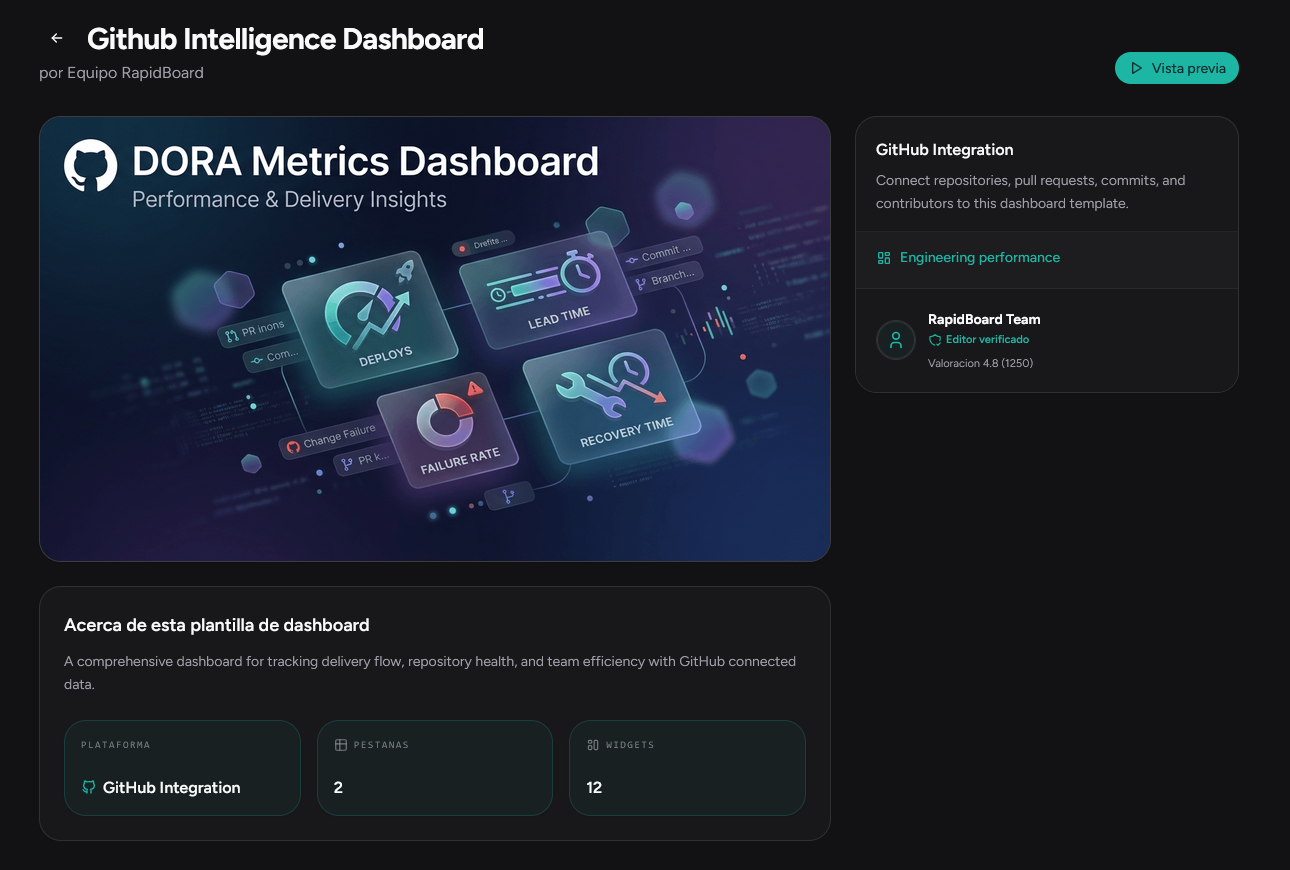
What the template marketplace is
A catalog of preconfigured dashboards and reports you can install in your RapidBoard account. Each template includes widgets, queries, and visualizations designed for a specific use case.
How installation works
- You browse the marketplace and choose a template
- You select your company's data connection
- The system maps the template queries to your tables
- The dashboard is ready to customize
When to use templates vs build from scratch
- Template: you want to start fast with standard metrics for your tool
- From scratch / with AI: you need business-specific metrics no template covers
- Template + customization: install the base and adjust with the AI consultant
Template types
| Type | What it includes |
|---|---|
| Dashboard | Complete panel with KPIs, charts, and filters |
| Report | Structured report for export |
| Bundle | Set of related dashboards and reports |
Available integrations
- GitHub — PR, commit, and code review metrics
Ready to see your metrics in a dashboard?
Join early access and connect your data in minutes—no SQL or manual reports.